
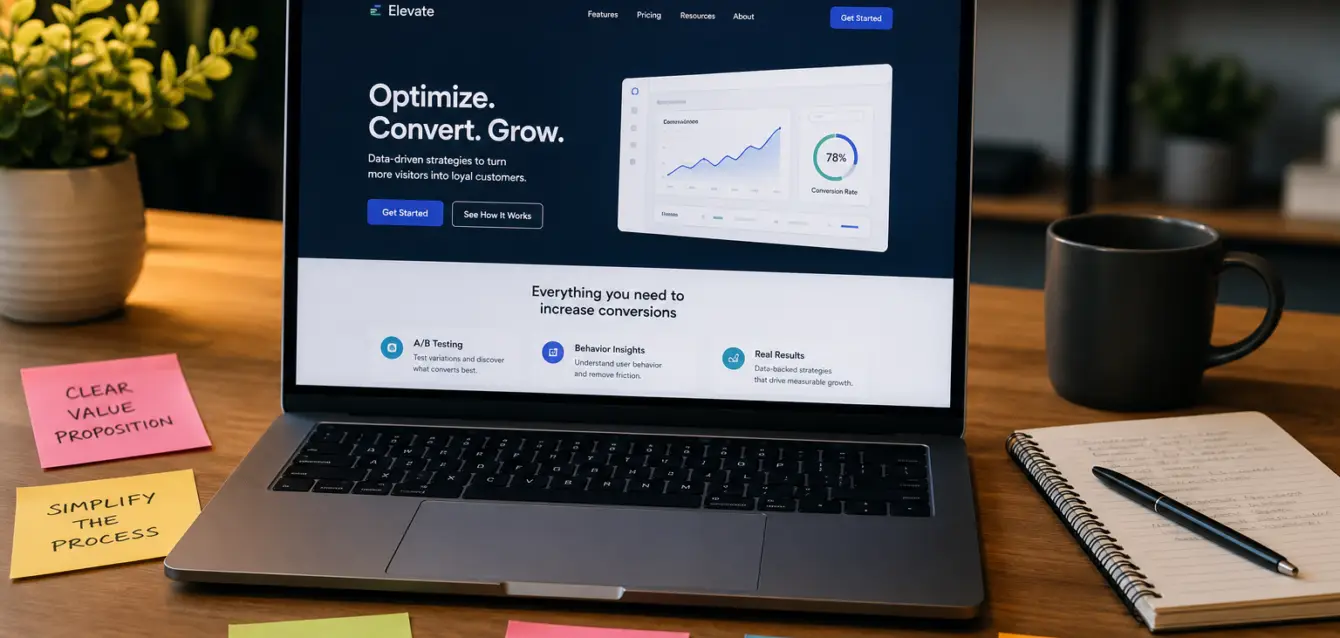
Most Landing Pages Don’t Need a Redesign — They Need Better Inputs
Here’s a pattern we see constantly: a marketing team spends $15K on a brand-new landing page. Custom design, fancy animations, the works. Conversion rate goes from 2.3% to… 2.5%.
That’s a rounding error, not a result.
The uncomfortable truth is that most landing pages don’t convert poorly because of their design. They convert poorly because of what’s around the design — the copy, the offer framing, the speed, the trust signals, the form friction. Fix those, and you can double your conversion rate without touching a single wireframe.
Here are seven changes that actually move the needle.
1. Match Your Headline to the Ad That Sent Them There
This one sounds obvious. It isn’t — at least not based on what we see in the wild.
When someone clicks an ad that says “Get 50% Off Your First Month,” they expect to land on a page that says something about getting 50% off their first month. Not a generic homepage hero. Not your brand story. Not “Welcome to [Company].”
The technical term for this is message match, and it’s one of the highest-ROI fixes in CRO. A study from Unbounce found that improving message match alone can lift conversion rates by 30% or more — because you’re not asking visitors to do any mental translation between what they clicked and what they see.
The fix: run through every active ad and compare the promise in the ad copy to the H1 on the landing page. If they don’t say roughly the same thing, rewrite the headline. That’s it. Ten minutes of work.
2. Cut Your Form Fields in Half (Yes, Really)
Every form field is a small tax on your visitor’s patience. And most forms are collecting data nobody ever uses.
Quick test: go pull a report from your CRM. How often does your sales team actually filter by “Company Size” or “Job Title” from the lead form? If the answer is “never,” those fields are costing you conversions for no reason.
Research from HubSpot consistently shows that reducing form fields from 4+ to 3 can increase conversions by up to 50%. Name, email, and one qualifying question is usually enough to start the conversation. You can always enrich the data later through progressive profiling or third-party data enrichment.
Worth noting: this doesn’t apply if you’re deliberately using form length as a qualification filter. Some B2B teams want fewer, more qualified leads. That’s a valid strategy — just make sure it’s intentional, not accidental.
3. Move Your Social Proof Above the Fold
Most landing pages bury their best trust signals at the bottom — customer logos, testimonials, review scores, case study snippets. By the time someone scrolls down that far, they’ve already decided whether they’re interested.
Move the strongest piece of social proof up. Right under your headline or next to your CTA. A row of client logos, a one-line testimonial with a real name, a “4.8 stars from 2,300 reviews” badge. Something that answers the unconscious question every visitor asks: “Has anyone else actually done this?”
Real talk: vague social proof doesn’t count. “Trusted by thousands” means nothing. “Used by 1,200 ecommerce brands including Allbirds, MVMT, and Death Wish Coffee” means something. Specificity is what makes social proof work.
4. Speed Up Your Page (the Unsexy Fix That Outperforms Everything)
Nobody wants to hear this because it’s not creative or clever. But page speed is one of the most reliable conversion levers that exists.
Google’s own data shows that as page load time goes from 1 second to 3 seconds, bounce probability increases by 32%. From 1 to 5 seconds? It jumps to 90%.
The usual culprits: oversized hero images (compress them), too many tracking scripts loading synchronously (defer them), web fonts loading before content renders (swap them). Run your page through PageSpeed Insights and fix whatever it flags as critical. You don’t need to hit 100 — just get out of the red zone.
One more thing: if your landing page loads noticeably slower on mobile than desktop, you’re probably losing a third of your conversions right there. Over 60% of paid traffic is mobile now. Test on an actual phone, not just Chrome DevTools.
5. Rewrite Your CTA Button (and the Line Right Above It)
The two most underworked pieces of copy on any landing page are the CTA button text and the sentence directly above it.
“Submit” converts worse than almost any alternative — research from Unbounce has shown this repeatedly. Even “Get Started” or “See My Results” outperforms it because it tells the visitor what they’re getting, not what they’re doing.
The formula that tends to work: “[Action verb] + [what they get].” So instead of “Submit,” it’s “Get My Free Audit” or “See Pricing” or “Start My Trial.” Make the button about the outcome, not the mechanism.
And that line of copy right above the button? Use it to handle the last objection. “No credit card required.” “Takes 2 minutes.” “Cancel anytime.” Whatever the reason someone hesitates at the last second — neutralize it right there.
6. Add a Second CTA Path for People Who Aren’t Ready Yet
Here’s something most landing pages get wrong: they assume every visitor is at the same stage of readiness. They’re not.
Some percentage of your traffic — often a large percentage — is interested but not ready to commit. They want more information, not a demo. They want to read a case study, not talk to sales. If your only option is “Book a Call” or “Buy Now,” you lose those people entirely.
The fix: add a secondary CTA that captures low-commitment interest. A downloadable guide, a video walkthrough, a “see how it works” link. Put it below your primary CTA as a softer alternative. Something like: “Not ready yet? Watch our 3-minute walkthrough instead.”
This isn’t about lowering the bar — it’s about catching people who would have bounced and giving them a path back into your funnel. You can nurture them later.
7. Test One Thing at a Time (Not Your Entire Page)
The instinct when conversion rates are low is to blow the whole thing up and start over. Resist that.
Full-page redesigns are expensive, slow, and — here’s the kicker — you never know which change actually made the difference. Was it the new headline? The layout? The color scheme? The shorter form? When you change everything at once, you learn nothing reusable.
Instead, run sequential tests on individual elements. Start with the highest-impact, lowest-effort changes:
- Headline — test 2-3 variations against your current one
- CTA copy and placement — try different button text and positions
- Form length — test a shorter version
- Social proof placement — move it up, add specifics
- Hero image vs. no image — sometimes removing the stock photo helps
Run each test for at least 2 weeks or until you hit statistical significance (most A/B testing tools will tell you when). Document what won and why. Over 3-4 rounds of testing, you’ll have a page that converts dramatically better — and you’ll know exactly which changes drove the improvement.
The Short Version
You don’t need a new landing page. You need a better-optimized one. Match your message to your ads. Cut unnecessary form fields. Surface your social proof. Speed up the page. Rewrite your CTA. Give undecided visitors a second path. And test methodically instead of redesigning blindly.
None of these changes require a designer, a developer sprint, or a five-figure budget. Most of them can be implemented in an afternoon. And collectively, they’ll do more for your conversion rate than any redesign ever could.
